


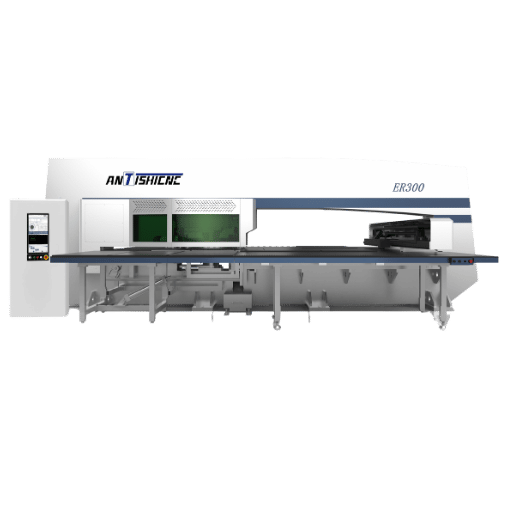


This G and M code list covers the codes you actually type to run a CNC milling machine or lathe: every common G-code that controls motion and geometry, plus the M-codes that switch machine functions like the spindle and coolant. Whether you read CNC programs at the control or hand-edit a file your CAM software spat out, the tables and examples below are built to be a single reference you can keep open in a second tab, covering both milling and turning, and the differences between Fanuc, Haas, Siemens, GRBL, and LinuxCNC.
Quick Reference: G vs M at a Glance
| G-code | Preparatory / geometry — tells the machine where and how the tool moves (G00 rapid, G01 feed, G02/G03 arcs). |
| M-code | Miscellaneous / machine — switches functions on and off (M03 spindle on, M08 coolant on, M30 end program). |
| Format | Word-address: N50 G01 X1.5 Z-0.75 F0.008 M08 — one letter + a number per “word”. |
| Standards | Rooted in EIA RS-274 and ISO 6983-1:2009; the open interpreter most controllers descend from is the NIST RS274/NGC spec. |
G-Code vs M-Code: What’s the Difference?
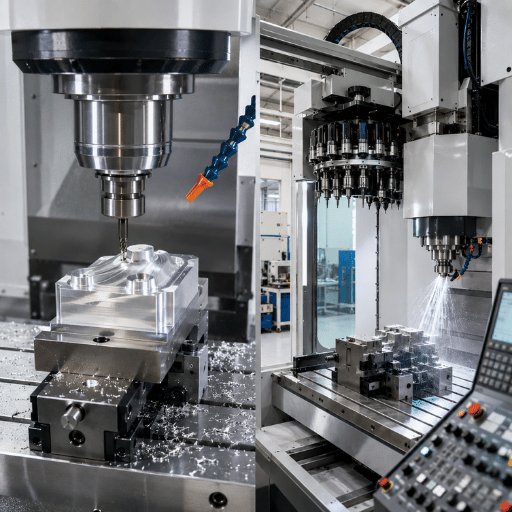
Sorting each code into one of two buckets is the fastest way to read any program. A G-code is a preparatory command, the “G” is usually explained as Geometry, because these words tell the cutter where to go and along what path. An M-code is a miscellaneous, or machine, command: it flips a switch somewhere on the machine, like starting the spindle or turning on flood coolant. Both ride inside the same word-address grammar that EIA standardized for numerical control in the early 1960s and that ISO later folded into ISO 6983.
Here’s the practical split you can apply on sight:
| Question | G-Code | M-Code |
|---|---|---|
| What does it control? | Tool motion, coordinates, interpolation, offsets | Spindle, coolant, tool change, program flow |
| Does it move the axes? | Often yes (G00, G01, G02) | No |
| Is it modal? | Many are (stay active until cancelled) | Some (M03/M05); many are one-shot |
| Example | G01 X2.0 F10.0 |
M08 (coolant on) |
About 100 G-codes exist across all dialects, though any single machine uses a working set far smaller than that. M-codes are fewer and far less consistent between builders, a point worth holding onto, because it explains most of the “this program ran fine on the other machine” headaches covered later. If you’re still building a mental model of the machine itself, our primer on the basics of lathe and mill machining pairs well with this code reference.
How to Read a G-Code Block: Address Letters and Syntax
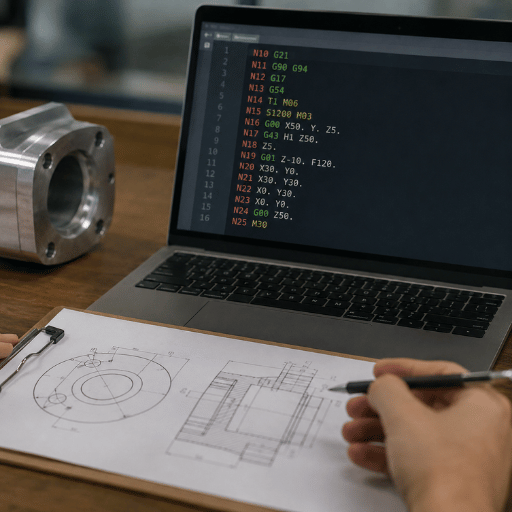
A line of CNC code is called a block, and every block is just a string of “words.” Each word is one letter (the address) followed by a number (the value). Once you know what the letters mean, you can read almost any block out loud. We teach it to new operators as the N-G-XYZ-F-S-T-M rulethe letters tend to appear in roughly that order, and that order matches the order the machine thinks in: line number, what kind of move, where to, how fast, how fast to spin, which tool, and which switch to flip.
| Letter | Meaning | Example |
|---|---|---|
| N | Block (line) number | N50 |
| G | Preparatory / motion command | G01 |
| X Y Z | Axis position (destination) | X1.5 Z-0.75 |
| I J K | Arc center, relative to start | I0.5 J0 |
| F | Feed rate | F0.008 |
| S | Spindle speed | S1200 |
| T | Tool number | T0303 |
| M | Machine function | M08 |
Read this blockN50 G01 X1.5 Z-0.75 F0.008 M08and it says: “On line 50, feed in a straight line to X1.5, Z-0.75 at 0.008 per rev, and turn flood coolant on.” That’s the whole trick. That same logic that drives a CNC lathe machine drives a machining center; only the axis letters and a handful of canned cycles change.
A modal code stays active after its block until something in the same group cancels it. Command G01 once and every following block keeps feeding in a line until you call G00, G02, or G03. Non-modal (one-shot) codes such as G04 dwell act only on the block where they appear. Mixing these up is the root of most “why did the tool plunge at rapid?” crashes.
Modal Groups: Why Some Codes Cancel Each Other
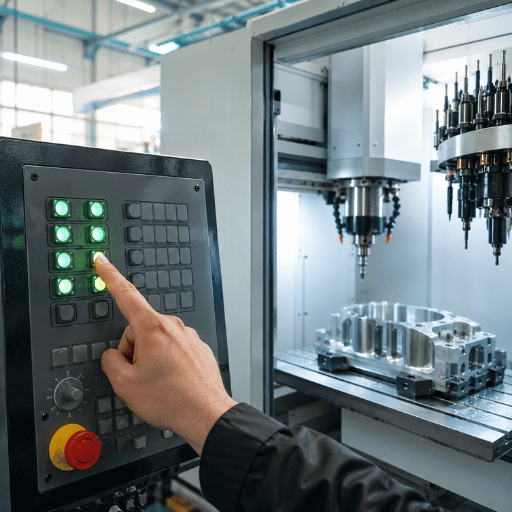
Here’s the concept that turn a list of codes into a working mental model. G-codes are sorted into modal groups, and only one code from each group can be active at a time. Call a second code from the same group and it quietly replaces the first. That’s by design, it’s also why a block with two motion codes in it throws an alarm. Understanding the groups answers the beginner question, “why does one G-code cancel another?”
| Modal Group | Codes in the Group | Default at Power-On |
|---|---|---|
| Motion | G00, G01, G02, G03 | Usually G00 |
| Plane selection | G17, G18, G19 | G17 (mill), G18 (lathe) |
| Units | G20, G21 | Machine parameter |
| Distance mode | G90, G91 | G90 absolute |
| Cutter comp | G40, G41, G42 | G40 off |
| Work offsets | G54–G59 | G54 |
| Feed mode | G93, G94, G95 | G94 (mill) |
| Canned cycle | G73–G89, G80 cancel | G80 off |
So when you write G90 G54 G17 G00 X0 Y0 at the top of a program, you’re setting one code from each of several groups, absolute distance, work offset 1, X-Y plane, rapid motion, and they all stay latched until you change them. This is what people mean by a “safe start” line.
Complete G-Code List (Common Codes G00–G99)
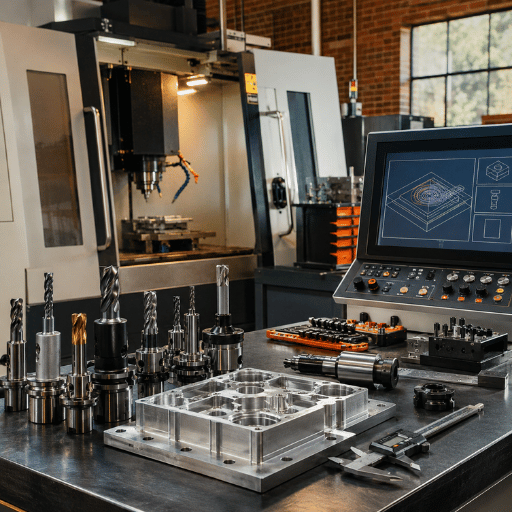
Below is the master G-code list, grouped by what each code does. These are the codes you meet on the vast majority of Fanuc-style controls; a few have dialect quirks noted in the control-comparison section. Bookmark this, it doubles as the printable cheat sheet most people are hunting for when they search for a “g code m code list pdf.”
| Code | Group | Function |
|---|---|---|
| G00 | Motion | Rapid positioning (non-cutting move) |
| G01 | Motion | Linear feed move at the F rate |
| G02 | Motion | Clockwise circular interpolation (arc) |
| G03 | Motion | Counter-clockwise circular interpolation |
| G04 | Motion | Dwell (pause), P or X for time |
| G17 / G18 / G19 | Plane | Select X-Y / X-Z / Y-Z working plane |
| G20 / G21 | Units | Inch / millimeter programming |
| G28 | Motion | Return to machine home (reference) position |
| G30 | Motion | Return to 2nd / 3rd reference point |
| G40 / G41 / G42 | Comp | Cutter (radius) comp off / left / right |
| G43 / G49 | Comp | Tool-length comp on / cancel |
| G53 | Coordinate | Move in machine coordinates (cancels offset) |
| G54–G59 | Coordinate | Work coordinate systems 1–6 |
| G73 / G83 | Canned | High-speed peck / full-retract peck drilling |
| G80 | Canned | Cancel canned cycle |
| G81 / G82 | Canned | Simple drill / drill with dwell |
| G84 | Canned | Tapping cycle |
| G85 / G86 | Canned | Boring cycles |
| G90 / G91 | Distance | Absolute / incremental programming |
| G93 / G94 / G95 | Feed mode | Inverse time / per-minute / per-rev feed |
| G96 / G97 | Spindle | Constant surface speed / cancel (constant rpm) |
| G98 / G99 | Canned* | Return to initial / R plane after a cycle (mill) |
*On many Fanuc lathe controls, G98/G99 instead set feed-per-minute and feed-per-revolution, one of the dialect differences detailed below.
Complete M-Code List (Machine and Program Functions)
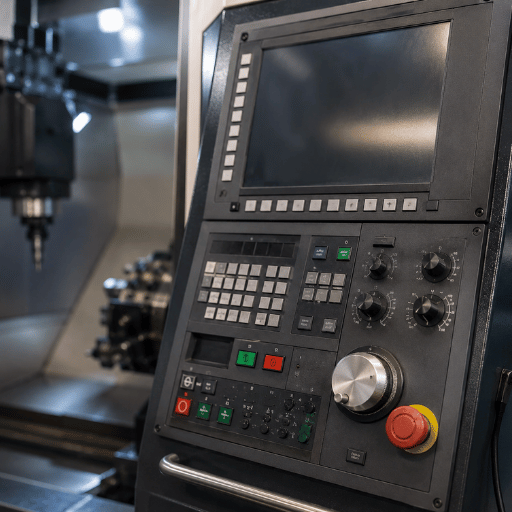
M-codes handle everything that isn’t motion: starting and stopping the spindle, switching coolant, changing tools, and ending the program. The common set is short, and you’ll use a dozen of these every day.
| Code | Function | Notes |
|---|---|---|
| M00 | Program stop (mandatory) | Press cycle start to resume |
| M01 | Optional stop | Only if “optional stop” is on |
| M02 | End of program | No rewind |
| M03 / M04 | Spindle on CW / CCW | Needs an S value |
| M05 | Spindle stop | — |
| M06 | Tool change | Pairs with a T word |
| M07 / M08 / M09 | Mist / flood coolant on, coolant off | M07 not on every machine |
| M29 | Rigid tapping mode | Fanuc; precedes G84 |
| M30 | End program and rewind | Resets to top |
| M98 / M99 | Subprogram call / return | M99 also loops a program |
M-codes are the least standardized part of the language. Coolant, pallet, and auxiliary M-codes wander from builder to builder, and machines with extra hardware add their own. Always check the M-code page in your machine’s manual before assuming a number means what it meant on the last control you ran.
G and M Codes for CNC Lathes (Turning)
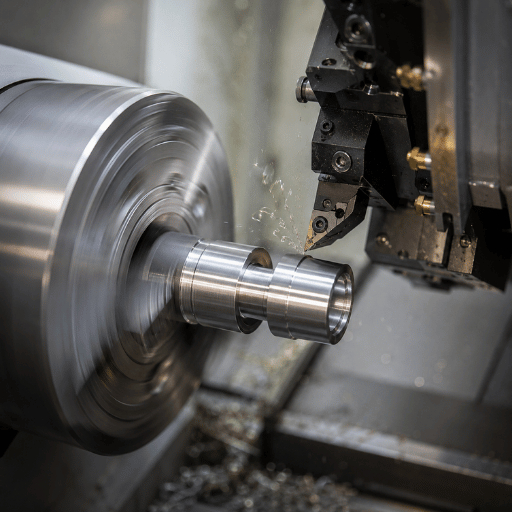
Most published code lists are written for milling machines, so turning programmers are left guessing. Lathes share the core motion and program codes but add a turning-specific layer that mills don’t have. If you run a slant-bed or flat-bed turning center, these are the codes that matter.
| Lathe Code | Function |
|---|---|
| G50 | Clamp maximum spindle speed (or set coordinate, control-dependent) |
| G96 / G97 | Constant surface speed on / off — the workhorse pair for turning |
| G70 | Finishing cycle |
| G71 | Rough turning (stock removal) cycle |
| G72 | Rough facing cycle |
| G74 / G75 | Peck drilling / grooving cycles |
| G76 | Threading cycle |
| G41 / G42 / G40 | Tool-nose-radius comp left / right / off |
Constant surface speed is the big conceptual difference. Call G96 S500 and the control vary spindle rpm so the cutting speed at the tool stays at 500 surface feet per minute even as the diameter shrinks, exactly what you want for a clean finish across a tapered or faced part. Switch to G97 S1500 to lock a fixed rpm, which you need for drilling on center or threading. On the Fanuc-style controls we ship on ANTISHICNC slant-bed CNC lathe models, a missing G97 before a drilling cycle is one of the most common first-program mistakes we see, the spindle keep accelerating as the tool approaches center.
“On turning work the order matters as much as the codes. Set your work offset, then G96 with a G50 speed clamp, then your tool, skip the clamp and the first small-diameter pass can try to spin the spindle past its safe limit.”
What is G94 G-code?
G94 sets the feed-per-minute mode: the F value is read as units (inches or millimeters) of tool travel per minute. It lives in the feed-mode modal group alongside G93 (inverse time) and G95 (feed per revolution), and on milling controls G94 is the normal default. The catch is the lathe: on many Fanuc turning controls the feed-mode pair is actually G98 (per minute) and G99 (per revolution), while G94/G95 may be assigned to other functions. Turning almost always wants feed-per-revolution so the finish stays consistent regardless of rpm, so most lathe programs set G99 (or G95, depending on the control). When in doubt, check which “system” your control uses, it’s documented in the programming manual under feed-mode codes.
Canned Cycles Explained: Drilling, Tapping, and Boring
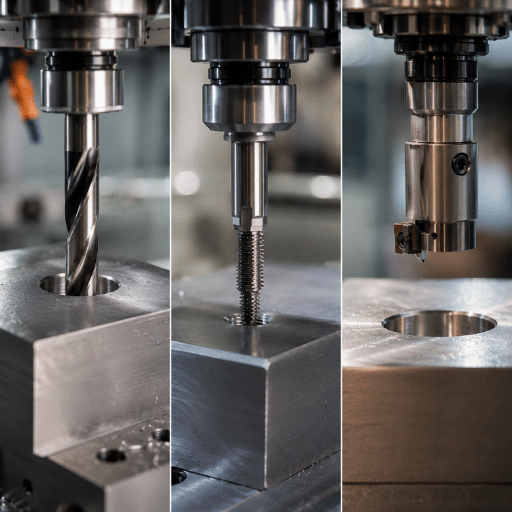
A canned cycle packs a repeating operation, drill, retract, move, drill again, into one line. Instead of programming every peck by hand, you call the cycle once, list the hole positions, and cancel with G80. They save dozens of lines and make hole patterns readable at a glance.
- ✔G81straight drilling: rapid to R plane, feed to Z depth, rapid out.
- ✔G83peck drilling: pecks down in Q increments, fully retracting to clear chips on deep holes.
- ✔G84tapping: feeds in, reverses the spindle, feeds out at the thread pitch.
- ✔G85 / G86boring: precise, low-feed sizing of a pre-drilled hole.
A peck-drill block looks like G83 Z-1.0 R0.1 Q0.2 F8.0drill to Z-1.0, starting from a 0.1 retract plane, in 0.2 pecks, at 8 inches per minute. List your hole X-Y coordinates after it and the cycle repeats at each one until G80.
What does G84 do in CNC?
G84 is the right-hand tapping cycle. It feeds the tap to depth, stops and reverses the spindle, then feeds back out, all synchronized so the tap follows its own thread without tearing it. Feed rate must match the thread lead: feed equals spindle rpm multiplied by the pitch. For an M8×1.25 tap at 300 rpm in feed-per-minute mode, that’s 300 × 1.25 = 375 mm/min. On Fanuc controls you typically command M29 (rigid tapping mode) just before G84 so the spindle and Z-axis stay locked together, which lets you tap accurately without a tension-compression holder. Set the R plane far enough above the part to let the spindle reach speed and reverse cleanly. Forgetting M29 and running G84 in “floating” mode on a rigid holder is a classic way to snap a tap.
A Complete G-Code Example Program (Mill and Lathe)
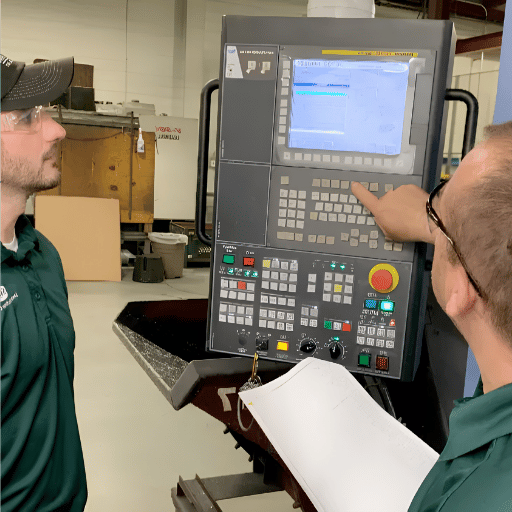
Reading codes in a table is one thing; seeing them in a real program is where it clicks. Here are two short, fully commented examples. Every line maps back to the tables above.
Milling exampleface and drill one hole:
O1001
N10 G90 G54 G17 G21      (absolute, offset 1, XY plane, mm)
N20 G00 X0 Y0            (rapid to start)
N30 T1 M06               (load tool 1)
N40 S1200 M03            (spindle on CW, 1200 rpm)
N50 G43 H1 Z25.0         (tool-length offset, safe Z)
N60 M08                  (flood coolant on)
N70 G83 Z-15.0 R2.0 Q3.0 F150  (peck drill the hole)
N80 G80                  (cancel cycle)
N90 M09                  (coolant off)
N100 G28 Z0 M05          (home Z, spindle stop)
N110 M30                 (end and rewind)
Turning examplerough and finish a diameter:
O2001
N10 G21 G99 G40          (mm, feed per rev, comp off)
N20 G50 S2500            (clamp max spindle 2500 rpm)
N30 T0101                (turning tool, offset 1)
N40 G96 S180 M03         (constant surface speed 180, spindle CW)
N50 G00 X52.0 Z2.0 M08   (approach stock, coolant on)
N60 G71 U2.0 R1.0        (rough turning cycle)
N70 G70 P80 Q120         (finish pass over the profile)
N130 G97 S1200           (back to constant rpm)
N140 G00 X200 Z200 M09   (retract, coolant off)
N150 M05                 (spindle stop)
N160 M30                 (end program)
Before any first run, dry-run the file in a simulator. Free online G-code simulators and viewers will catch a reversed arc or a missing G80 in seconds, far cheaper than catching it with a tool in the part. The same verify-first habit applies whether you’re cutting on a CNC vertical machining center or a turning center.
G and M Code Differences by Control: Fanuc, Haas, Siemens, GRBL, LinuxCNC
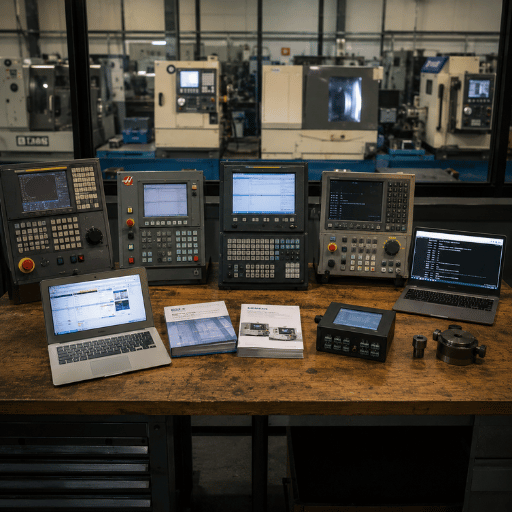
Here’s the truth that single-control lists hide: there’s no one universal G-code. Motion codes (G00–G03) and the safe-start codes stay nearly identical everywhere, that part really is standard. But canned-cycle parameters, macro syntax, feed-mode assignments, and most M-codes drift between builders. “Standard G-code” is, past the basics, partly a myth.
| Control | Where It Differs |
|---|---|
| Fanuc | The de-facto baseline; macro B variables, lathe feed mode via G98/G99, M29 rigid tap |
| Haas | Fanuc-like with added Haas M-codes (e.g. M97 local subcall) and settings-driven behavior |
| Siemens (SINUMERIK) | Supports G-code plus its own high-level language and ShopTurn/ShopMill steps |
| GRBL | A subset for hobby routers and 3D-printer-class hardware; no canned cycles |
| LinuxCNC | Follows the NIST RS274/NGC dialect closely; extra G-codes for splines and probing |
Machinists commonly report the same lesson: a program proven on one control can fault or, worse, run wrong on another, usually because of a feed-mode or canned-cycle difference rather than a motion code. Fixing it’s a habit, not a code, re-post from CAM for the target control, or proof the program on the actual machine in single-block before trusting it. The freely published LinuxCNC G-code reference is a useful neutral baseline when you want to see how a “by-the-standard” interpreter defines a code.
Common G-Code and M-Code Mistakes
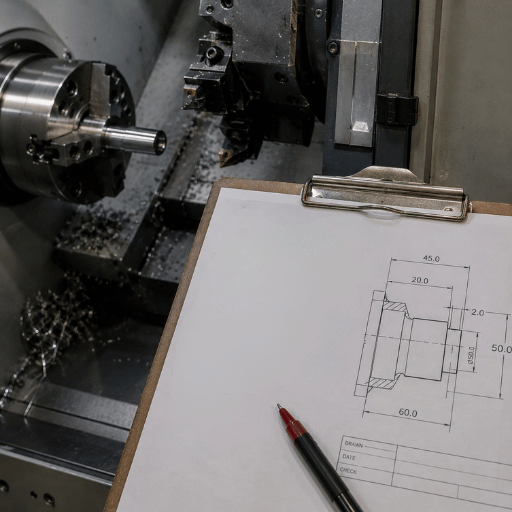
Codes themselves are simple; the errors come from context. A few patterns account for most of the trouble new programmers run into.
- Open with a safe-start line (G90 G54 G17 G40 G80)
- Cancel canned cycles with G80 before the next move
- Set G97 before drilling or threading on a lathe
- Single-block the first run of any new program
- Leaving G91 on, so the next program run incremental
- Assuming an M-code means the same thing on every machine
- Tapping with G84 but forgetting M29 rigid mode
- Wrong arc direction (G02 vs G03) or I/J/K sign
If you’re moving from manual machining to CNC, building the same instinct you’ve with hand controls helps, the way an operator reads a dial is the same vigilance a digital readout (DRO) rewards, and it carries straight into reading code before you press cycle start. Matching the right tooling to the job matter just as much; our guide to lathe cutting tools covers that side.
What’s Changing: Conversational Programming, CAM, and AI
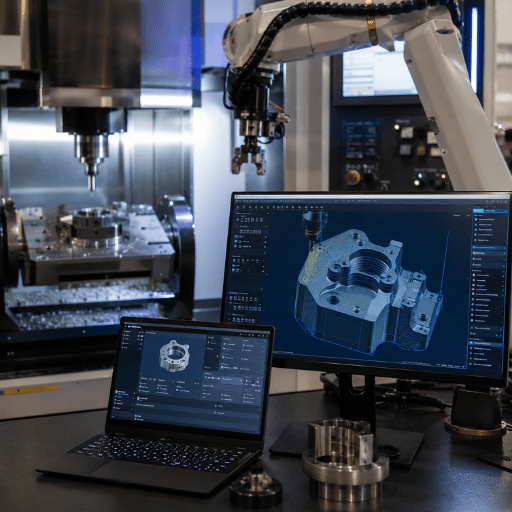
Hand-writing full programs is no longer the everyday job it once was. As of 2026, most production G-code is generated by CAM software and its post-processor, then edited at the machine. Two shifts are worth planning around.
First, conversational programming keeps spreading. Controls like Haas and Siemens ShopTurn let an operator describe a feature, a bore, a thread, a face, and the control write the G-code underneath. It lowers the barrier for simple parts, but it doesn’t replace knowing the codes: the moment a conversational program need an edit or throws an alarm, you’re back in G-code. Second, simulation has become a default step rather than a luxury. Search interest in G-code simulators sits near 1,000 lookups a month, a sign that verify-before-cut is now standard practice. AI-assisted toolpath tools that adjust feed and flag collisions are arriving in mainstream CAM, though they propose changes a programmer still reviews.
If you’re setting up a shop or training operators in 2026, the practical move is to teach G-code literacy first and treat conversational and AI tools as accelerators on top of it. The fundamentals in this list are exactly what those tools generate, and what you’ll read when something needs fixing. To see how programming maturity factors into buying a machine, our overview of the metal turning lathes range walks through control options.
Frequently Asked Questions
Q: What is the difference between a G-code and an M-code?
View Answer
Q: What is the most common G-code?
View Answer
Q: What does M code mean in CNC?
View Answer
Q: Are G and M codes the same on every CNC machine?
View Answer
Q: What G and M codes do CNC lathes use?
View Answer
Q: Where can I get a G and M code list PDF or cheat sheet?
View Answer
Programming a New Turning Center?
ANTISHICNC builds CNC lathes that run standard Fanuc-style G-code, with conversational options and 3-year support across 40+ countries. Tell us your part and we’ll spec the right machine and control.
Why We Put This List Together
We build CNC lathes for a living, and the first thing new owners ask after delivery is some version of “where’s the code list?” Most references online cover milling only or stop at one control brand, so we wrote one that puts mill and lathe codes, including the G96/G97 and G70–G76 turning cycles our machines run every day, in one place, with the control differences spelled out.
References & Sources
- The NIST RS274/NGC Interpreter, Version 3National Institute of Standards and Technology (NIST)
- NIST RS274NGC Interpreter, full report (PDF)NIST Internal Report
- ISO 6983-1:2009, Automation systems and integration, NC program formatInternational Organization for Standardization
- LinuxCNC G-Code Quick ReferenceLinuxCNC.org
- G-codeWikipedia (overview and history of RS-274)
Related Articles
- Understanding the Basics of Lathe and Mill Machininghow the machines these codes run on actually work
- Essential Lathe Cutting Tools for Beginnerspairing the right tool with your turning program
- CNC Vertical Lathe Machines Explainedturning large-diameter parts
- Projects You Can Create with Lathesputting your programs to work
Reviewed by the ANTISHICNC engineering team, 25+ years building CNC lathes and machining centers. Have a question about programming one of our machines? Talk to our engineering team.